

I Built an AI Bird Watcher with a Raspberry Pi 5 and an HQ Camera — in One Day
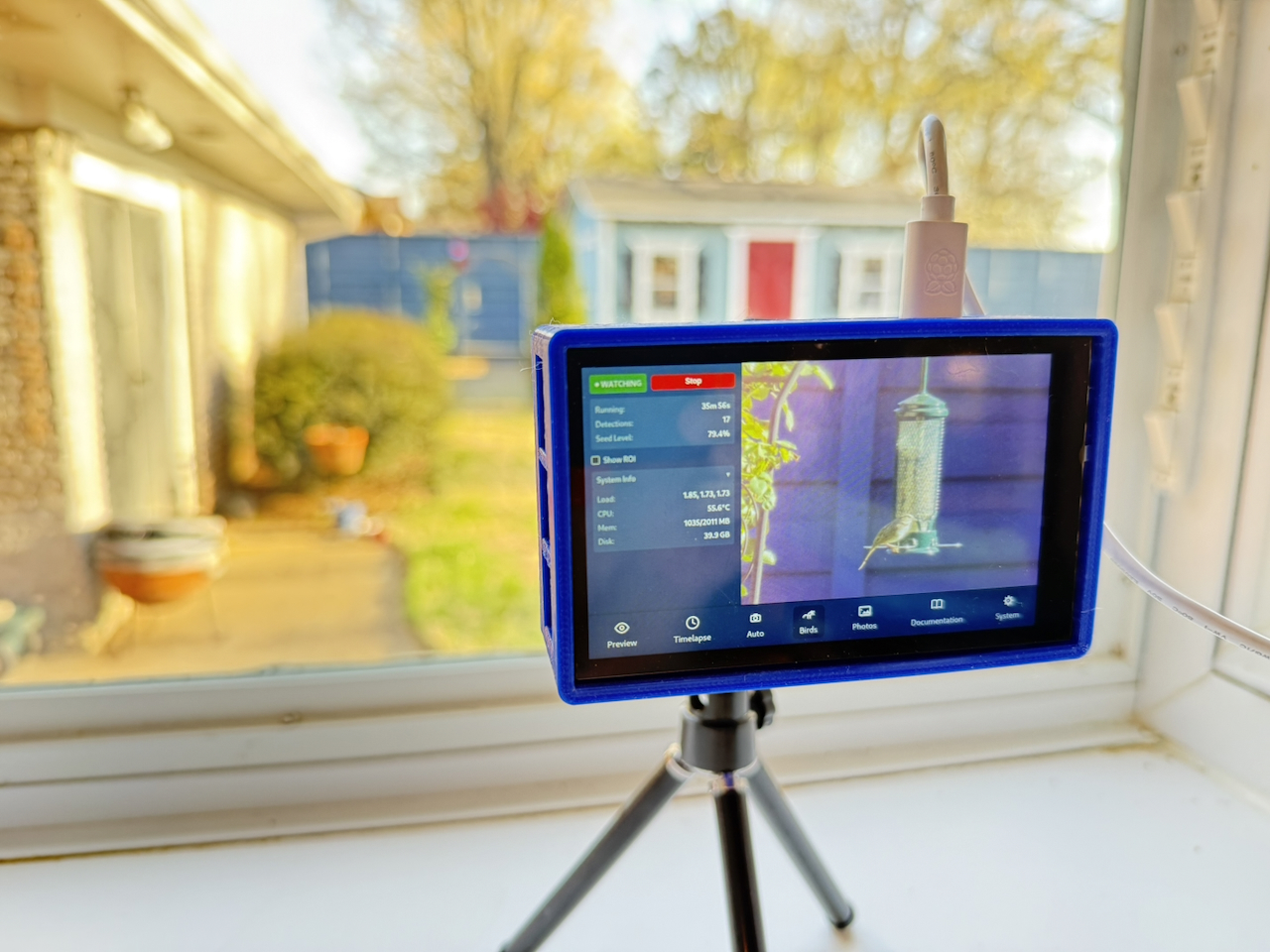
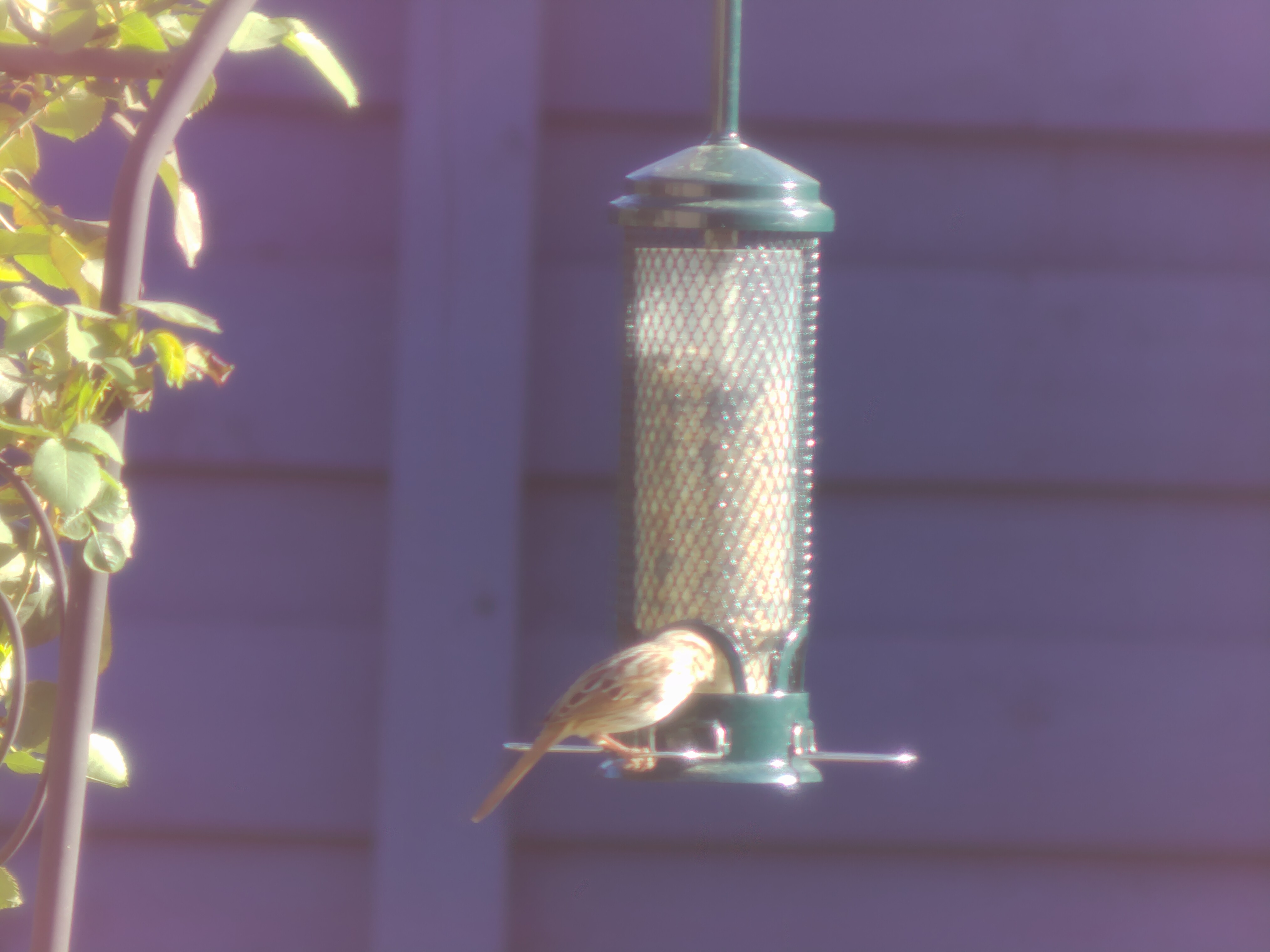
I have a Raspberry Pi tucked behind our kitchen window — a little project I call PiPiece — running on a Pi 5 with a Raspberry Pi HQ Camera pointed at the bird feeder in the backyard. For months it's been doing timelapses and preview shots. But last week I finally added the feature I'd been thinking about since I first pointed the camera out the window: an automatic bird watcher.
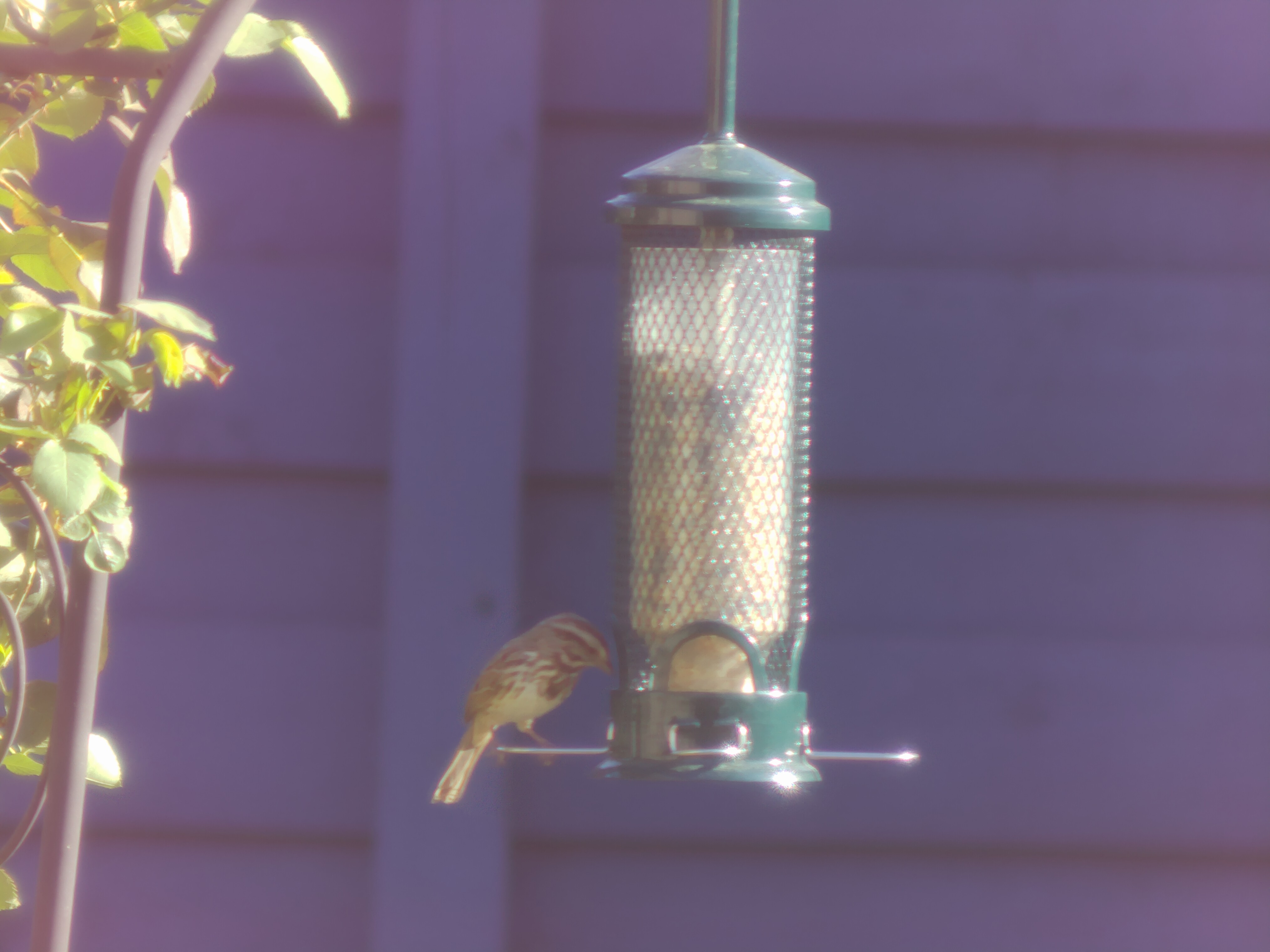
The goal was simple. When a bird lands, take a photo. No button pressing. No watching a screen. Just the Pi sitting quietly, waiting, and firing off a full-resolution shot the moment a bird shows up.
My wife is considerably more enthusiastic about the project now that one of them points at her bird feeders during the day — rather than at the sky in the middle of the night.
The Hardware
The Pi lives in a custom enclosure I designed in OpenJSCAD — a parametric 3D-printable case that holds the Raspberry Pi 5, a 4-inch HyperPixel touchscreen, and the HQ Camera in a single compact unit. The case design is open source at johnwebbcole.gitlab.io/pipiece if you want to build your own.
The HQ Camera shoots 4056×3040 pixel stills. Plenty of resolution to crop in on a small bird without losing detail.
The Stack
For the bird detection I used LiteRT (Google's rebranded TensorFlow Lite runtime) with the EfficientDet-Lite0 model — a lightweight object detector trained on the COCO dataset which includes a "bird" class. The model is only ~4 MB, downloads automatically on first run, and runs comfortably at 5–6 fps on the Pi 5's CPU. No GPU, no cloud calls, no subscription.
The pipeline looks like this:
- A 320×320 low-res inference stream runs continuously, feeding frames to the model
- When EfficientDet detects
birdabove a configurable confidence threshold, a full-resolution 4056×3040 JPEG + RAW DNG is triggered from the main camera stream - Python writes an atomic JSON event to a temp file; the Express server watches it with
fs.watchFileand pushes a Server-Sent Events notification to every connected browser client - The Vue UI updates the displayed photo in real time — no polling, no page reload
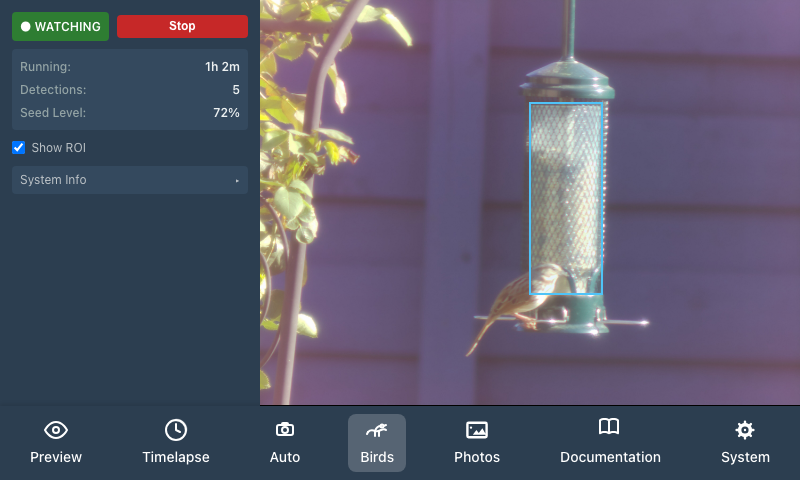
There's also a seed level estimator: draw a rectangle over the transparent tube feeder in a preview photo, and the system scans that region using HSV colour analysis to estimate fill percentage, turning yellow below 20% and red below 5%.
The Interesting Bugs
The first model I tried — COCO SSD MobileNet — was confidently detecting the feeder as a tennis racket (0.72) and a clock (0.68). Birds: zero. Switching to EfficientDet-Lite0 fixed it completely.
The seed level initially reported 15% when the feeder was ~85% full. The HSV hue range was too narrow — real seed under outdoor lighting spans a wider range than my initial parameters. Broadening the range fixed it.
Drawing the region of interest on the touchscreen stopped updating after about 20px of drag. The culprit: setPointerCapture was being called on the <img> child element rather than the parent <div> that held the event listeners — so pointer capture was immediately lost. One-line fix, but a satisfying one to track down.
AI-Assisted Development
I want to be honest about how this was built: Claude (Anthropic) wrote the majority of it. I described what I wanted — a Python inference script, Express.js routes, an SSE stream, and a Vue UI to tie it together — and Claude explored the existing codebase, designed a plan, and generated code that worked on the actual Pi on the first real-world test run.
I had previously attempted a similar feature with another AI assistant. That experience involved watching the assistant add Express.js routes that didn't compile, then "fix" them by deleting the broken code until the project compiled again. Not helpful.
The contrast was striking. Claude handled the cross-language integration (Python ↔ Node.js ↔ Vue), the PiCamera2 dual-stream setup, the atomic file signalling pattern, and the end-to-end SSE wiring — all in a single session. It also caught and fixed its own bugs when real-world testing revealed them.
What's Next
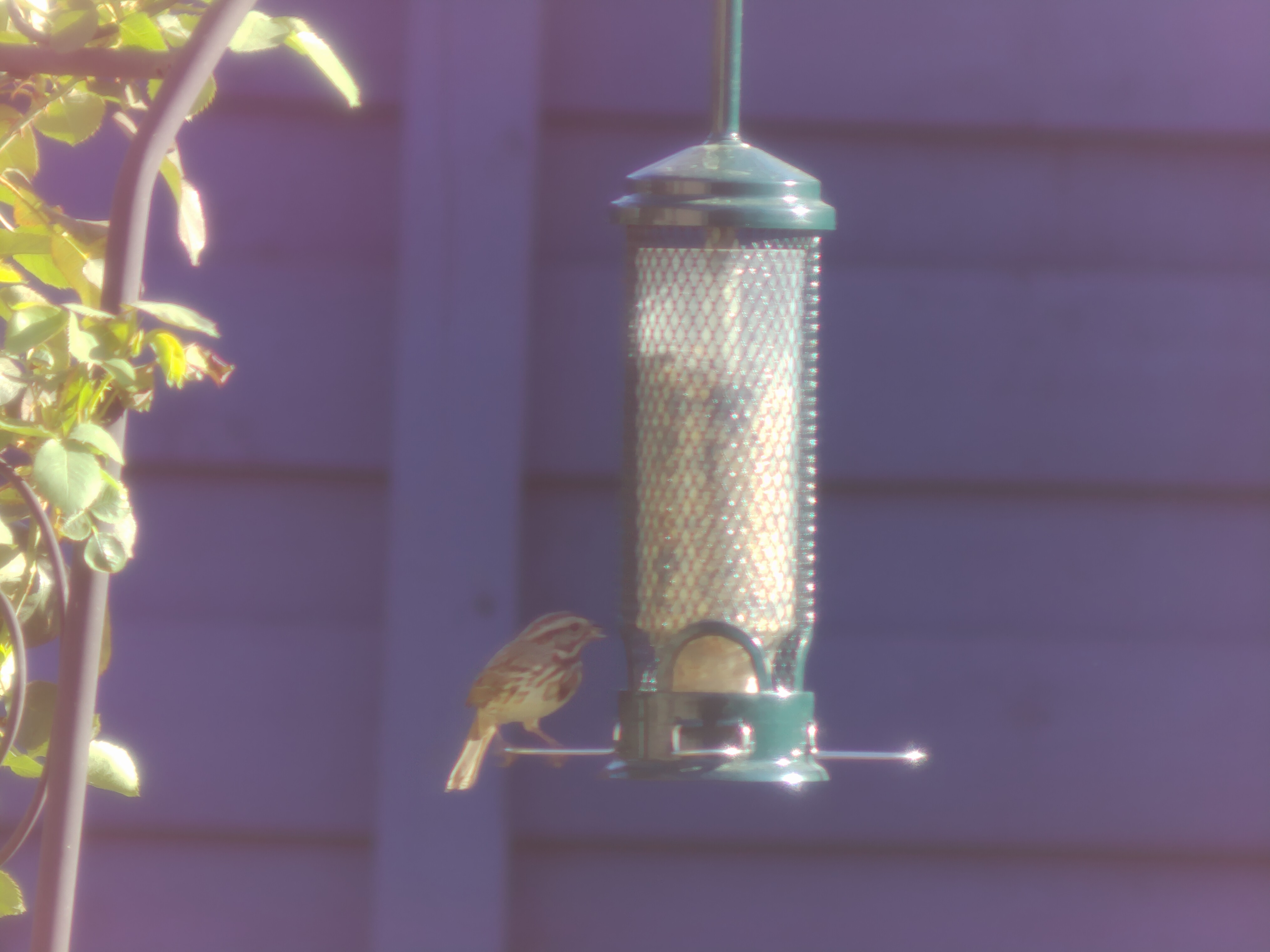
The captures are saving as both JPEG and RAW DNG, so there's plenty to work with. I'm thinking about:
- Species identification — there are bird-specific classification models worth trying
- A weekly digest of the week's best captures
- Timelapse of feeder activity over the day
For now though, it's already doing its job.
The project is fully open source:
- PiPiece UI (software): johnwebbcole.gitlab.io/pipiece-ui
- PiPiece Case (3D printable enclosure): johnwebbcole.gitlab.io/pipiece
- More projects and writing: jwc.dev